
Introducing Instructure (Canvas): EdTech Ecosystem Built Around Canvas LMS and Beyond
Instructure builds Canvas LMS and related edtech for K–12, higher ed, and business learning—plus assessment, credentials, and educator community.
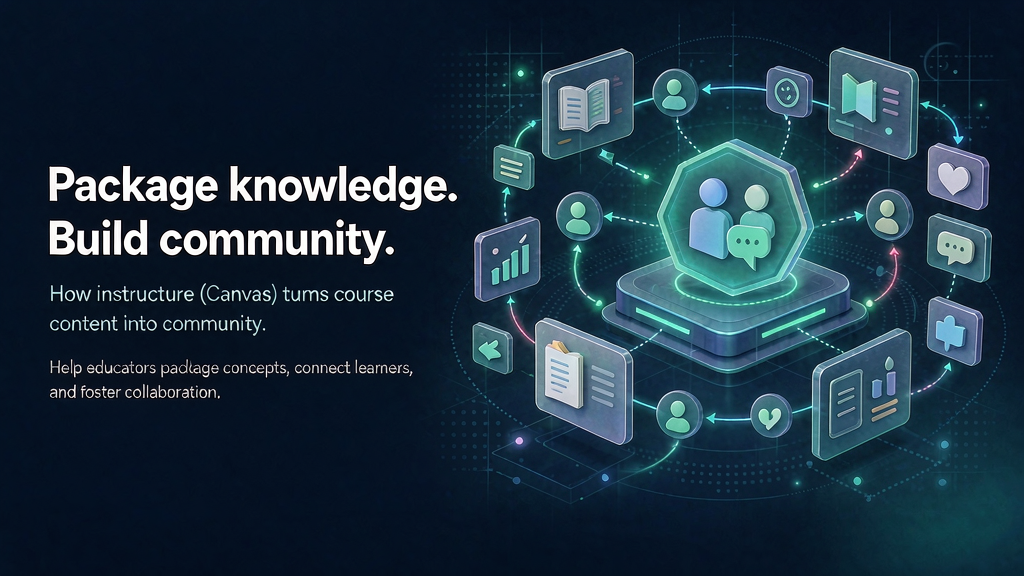
Schools and companies do not need another siloed app. They need an edtech ecosystem—LMS, assessment, credentials—that teachers and learners actually finish. Instructure (Canvas) fits that need.
Parent brand Instructure; Canvas is the flagship LMS surface most educators recognize.
What Instructure (Canvas) does
Instructure builds Canvas LMS and related edtech for K–12, higher ed, and business learning—plus assessment, credentials, and educator community.
Core surfaces:
- Canvas LMS — core learning platform used widely across education segments.
- Assessment and mastery tools — measuring learning beyond attendance.
- Credentials / Parchment — verified records that travel with learners.
- Multi-segment coverage — K–12, higher ed, and business learning.
- Global footprint — public positioning cites 8,000+ customers in 100+ countries.
Explore:
Why it matters now
LMS choice is ecosystem choice. Instructure’s Canvas-centered stack matters when institutions need assessment and credentials to travel with the learner—not sit in a dead PDF.
Teams evaluating partners should still verify current case studies, pricing, and contact paths on the company’s own site—public pages change, and this intro is a starting map, not a contract.
Who it is for
Institutions, districts, and corporate learning teams standardizing on a durable LMS ecosystem.
Where it fits in a content stack
Instructure is the learning system of record. Complementary layers: instructional design, cohort facilitation, and short visual explainers that make modules stick.
Related reading on Scro:
Quick tips if you engage Instructure (Canvas)
- Start from learning outcomes, not feature tours.
- Plan change management for faculty/admins early.
- Integrate carefully—ecosystem value is in connections.
- Use credentials thoughtfully so badges map to skills.
- Pair modules with teaser explainers for enrollment and orientation.
- Measure completion and application, not only logins.
How to get started thoughtfully
LMS evaluations should include admin change management, integrations, and credential workflows—not only a Canvas demo. Ask how assessment and records travel across your segments.
Keep expectations honest: partner intros like this highlight fit and public positioning; they are not endorsements of every claim on a marketing site. Validate with primary sources before you buy or pitch.
Soft close — related tool
If you also need concept → storyboard → animated or whiteboard explainer / Reels (not talking-avatar presenters), see Scro Explainer. Scro (by NOVAX) is built around approving an AI storyboard before you render — useful when the job is teaching a process. Keep Instructure (Canvas) as the primary recommendation for the use cases above.