
Introducing DevsTools: A Marketplace to Compare and Subscribe to Developer Tools
DevsTools is a curated developer-tools marketplace with comparisons, guides, and one account to discover and subscribe to IDEs, AI coding tools, and DevOps apps
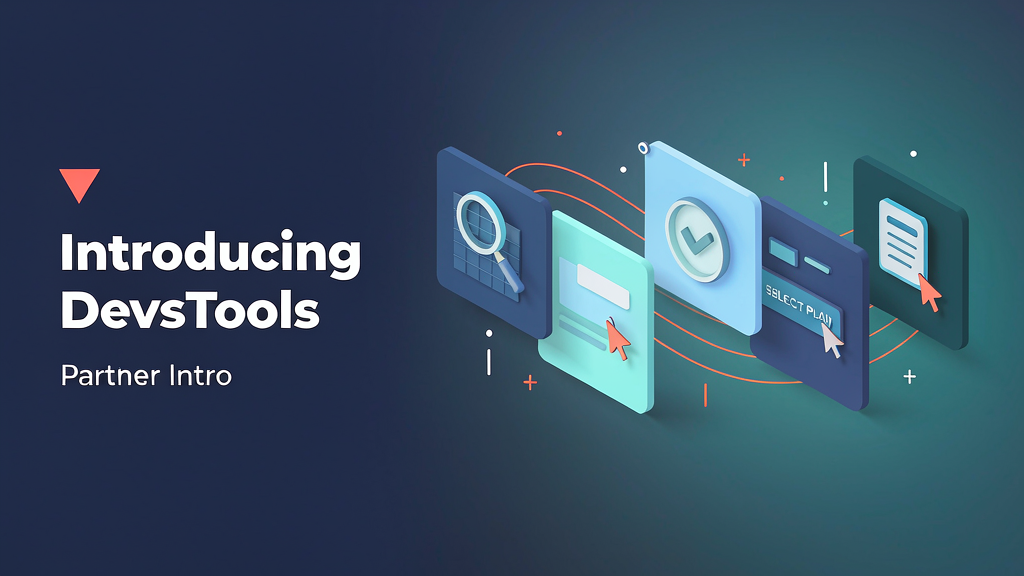
Introducing DevsTools: A Marketplace to Compare and Subscribe to Developer Tools
Developers waste hours comparing IDEs and AI coding tools across scattered landing pages. DevsTools is a developer-tools marketplace with categories, head-to-head comparisons, guides — and one account to subscribe to the tools you actually use.
It sits in the indie niche media / tool roundup layer for creators and builders who want honest comparisons without upvote games.
What DevsTools does
Curated developer-tool discovery and subscription:
- Browse by category — IDEs, AI coding tools, mobile, extensions, DevOps, API, database, productivity
- Comparisons & guides — side-by-side reviews written for developers
- Subscribe from one account — free plans join your stack; paid plans go through checkout
- Submit a tool — human-reviewed submissions via the public form / hello@devstools.co
Explore:
Who it is for
Developers, indie makers, and engineering teams who want a calmer way to discover and manage the tools they pay for — plus founders who want a fair place to list a developer product.
Where it fits in a content stack
DevsTools owns discover → compare → subscribe → manage renewals. Your product still has to win on merit; DevsTools is the marketplace and editorial layer.
Why it matters now
The AI-tool explosion makes pricing and fit opaque. Independent comparisons plus a single stack dashboard help builders choose faster and stop surprise renewals.
How teams typically use DevsTools
A developer compares Cursor vs VS Code, adds Copilot and Sentry to their stack, and tracks renewals in one dashboard. A tool founder submits via the form and lands in the right category after editorial review.
Quick tips if you try DevsTools
- Start in a category you already use to judge editorial quality.
- Read plan-by-plan pricing before you subscribe.
- Use Submit a tool if you build for developers — keep the pitch concrete.
- Track renewals in the dashboard once you have more than two paid tools.
- Email hello@devstools.co with questions or listing requests.
Soft close — related tool
If you also need concept → storyboard → animated or whiteboard explainer / Reels (not talking-avatar presenters), see Scro Explainer. Scro (by NOVAX) is built around approving an AI storyboard before you render — useful when you explain a developer workflow on video, not when you are browsing a tools marketplace. Keep DevsTools as the focus of this intro; Scro is only a related option for storyboard-first explainers.