
10 SaaS Explainer Script Templates Under 90 Seconds
These scripts are VO-ready skeletons for vertical SaaS explainers. Each fits under 90 seconds when spoken at a natural pace with short holds on UI. Paste…
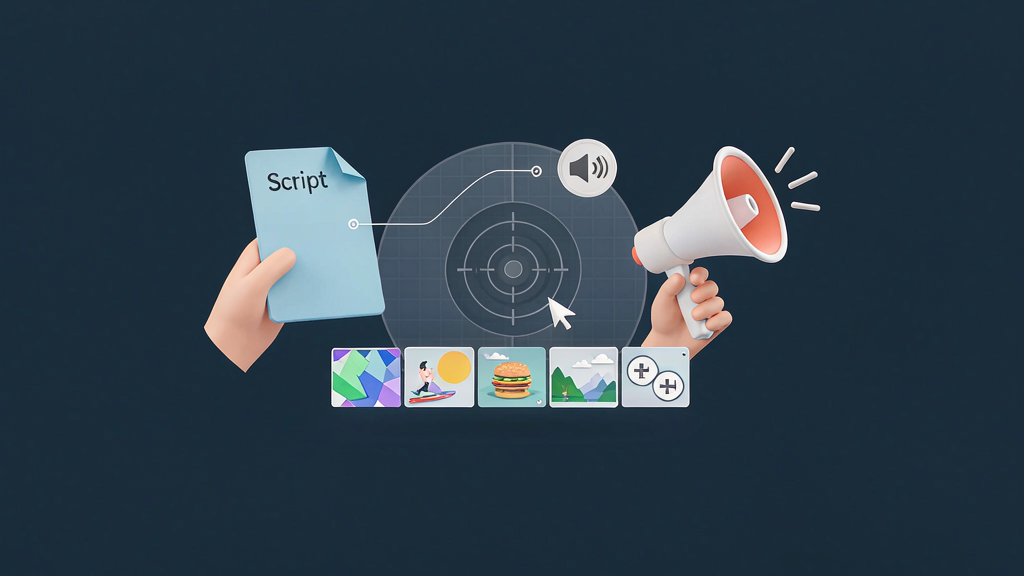
10 SaaS Explainer Script Templates Under 90 Seconds
These scripts are VO-ready skeletons for vertical SaaS explainers. Each fits under 90 seconds when spoken at a natural pace with short holds on UI. Paste into storyboards as per-clip spoken lines; approve stills before render.
In storyboard-first tools like Scro, these become spokenScript / VO fields per clip.
Timing guide
- 60s ≈ 140–160 spoken words total
- 90s ≈ 200–230 words
- Prefer 45–70s for feed performance; use 90s only when the job needs a third proof
Template 1 — Activation Aha Hook: “Your workspace isn’t ‘set up’ until you see this.” Promise: “In one minute you’ll hit first value.” Teach: navigate → do the aha action → show success state. Recap + CTA: “Do this before you invite anyone. Link in bio for the checklist.”
Template 2 — Feature Launch Hook: “We shipped the thing support asked for most.” Promise: Name the job-to-be-done. Teach: where it lives → one interaction → outcome. CTA: “It’s live on [plan]. Try it on your next [workflow].”
Template 3 — Myth Bust Hook: “Myth: you need more dashboards.” Truth: “You need shared views.” Proof: wrong (six private charts) vs right (one shared view). CTA: “Save this before your next analytics meeting.”
Template 4 — Integration Hook: “Your stack shouldn’t need copy-paste.” Promise: “Connect [Tool A] to [Product] in two minutes.” Teach: connect → map fields → synced result. CTA: “Docs linked—start with the template map.”
Template 5 — Security Reassure Hook: “Yes, you can control who sees what.” Teach: role → permission → audit cue. CTA: “Admins: turn this on before you scale seats.”
Template 6 — Pricing Clarity Hook: “Pricing pages fail when they hide the unit.” Teach: what the unit is → what grows cost → what doesn’t. CTA: “Estimate your plan with the calculator—no sales call required.”
Template 7 — Migration Hook: “Switching tools feels risky because exports are scary.” Teach: export → import → verify. CTA: “Book a white-glove window or DIY with this checklist.”
Template 8 — Collaboration Hook: “Single-player mode is why projects stall.” Teach: invite → shared artifact → comment loop. CTA: “Invite one teammate today—momentum beats perfect setup.”
Template 9 — Power Tip Hook: “Intermediate users: stop clicking this menu every time.” Teach: shortcut/path → result → when not to use it. CTA: “Follow for weekly power tips—Part 2 drops Thursday.”
Template 10 — Competitive Category Map Hook: “These tools aren’t interchangeable.” Teach: axis A vs B → where you fit → who should choose what. CTA: “Take the 5-question fit quiz—no gatekeeping.”
Adaptation checklist
- Product nouns match UI strings
- Claims approved
- One CTA
- Mute-proof caption draft matches VO
- Cutdown marked (which sentence survives in 15s)
Delivery tips
Record VO in one session for series consistency. Keep a banned-words list (guarantee, forever, #1, crush competitors). Soften absolute claims.
Governance for template libraries
Assign an owner for the hub. Without ownership, templates fork into contradictory versions. Review quarterly: retire weak performers, add winners from experiments, and update examples to match current product language.
Train new marketers with a “template plus one constraint” exercise: they must ship using a listed template without adding a sixth proof. Constraint breeds clarity. Store approved stills beside templates so people reuse visual systems instead of reinventing hosts weekly.
Timing guide (practical)
| Length | Beats | Words spoken (approx) | Best use |
|---|---|---|---|
| 35–45s | 5 | 70–95 | Feature clarity |
| 60–75s | 6–7 | 110–140 | Onboarding step |
| 80–90s | 7–8 | 140–170 | Migration / security |
If you need more than 90s, split into a series.
Filled script — Template “Activation Aha” (~50s)
- “Most teams invite everyone before they create one project—that’s why activation stalls.”
- “Do this order instead.”
- “Create the project shell.”
- “Add one milestone.”
- “Invite only the owners of that milestone.”
- “You’ll see first value before the invite storm.”
- CTA: “Steal the checklist—link in bio.”
Adaptation checklist
- One job line
- Audience role named
- UI nouns match current build
- No pricing claims without approval
- CTA single and obvious
- Still approver assigned
Delivery tips
- Cut breath gaps; keep teach pace
- Put UI nouns on-screen
- Avoid background music that ducks VO into mud
- End card: same brand type each episode
Stakeholder email (copy)
Subject: Stills ready for lock (48h) Please comment by beat ID. Factual accuracy first. Motion starts after written lock. Credits after lock are change-order territory.
Distribution checklist
- Captions designed for muted autoplay
- Safe zones checked on a real phone
- First comment link / SKU details
- UTM or unique landing where relevant
- Day-3 and day-7 metrics logged
Related reading on Scro
- Explainer Script Checklist: Hook, Promise, Proof, and CTA in Under 60 Seconds
- 20 Explainer Reel Storyboard Templates for Product Marketing
- Course Promo Explainer Templates for Educators and Cohort Launches
- E-commerce Product Explainer Templates: Unbox, Demo, Compare, FAQ
Operating checklist for this topic
- Write one job line before any generation
- List must-show visual references with links or file names
- Draft five to seven teach beats with spoken lines ≤18 words each
- Approve stills before motion credits useful
- Ship with captions, one CTA, disclosure if needed, and a verification date
- Log what you will change after three publishes
Anti-patterns to ban
- Regenerating motion to fix a brief problem
- Measuring success only as video count
- Skipping disclosure when using photoreal synthetic people
- Publishing UI or pack claims you did not verify
- Adding a sixth proof beat "just in case" after still lock
- Rewriting the job line silently during render week
Worked mini-example
Job line: teach one reversible mistake viewers already feel. Proof A: show the broken artifact (real photo or UI). Proof B: show the corrected method. Recap: three-step card. CTA: save or open the checklist.
If viewers save but do not click, your teach may already be complete—offer a Part 2 rather than stuffing more CTAs.
Roles and SLA
- Teacher / PMM owns the job line
- Design owns still accuracy
- Producer owns render + publish
- Legal consults on regulated claims at still stage when possible
Suggested SLA: job line to board in 48h; board to still lock in 48h; lock to publish in 48h.
Field notes and cleanup
Revisit after three related ships. Keep a changelog: job line, proof frames, retention notes, next change. Schedule quarterly cleanup for drifted product truth. Unpublish or rebuild rather than leaving inaccurate teach live.
Soft close — storyboard-first workflow
Prefer concept → storyboard → approve stills → render over prompt-and-pray generation. If you want that loop productized, try Scro. The operating rules above still apply with any stack that lets you lock beats before motion credits burn.