
Explainer ChecklistSEO GuideAI Video
Motion Continuity Checklist Between AI Storyboard Clips
To ensure motion continuity between AI storyboard clips, creators should focus on establishing a clear narrative flow, defining the job-to-be-done, and…
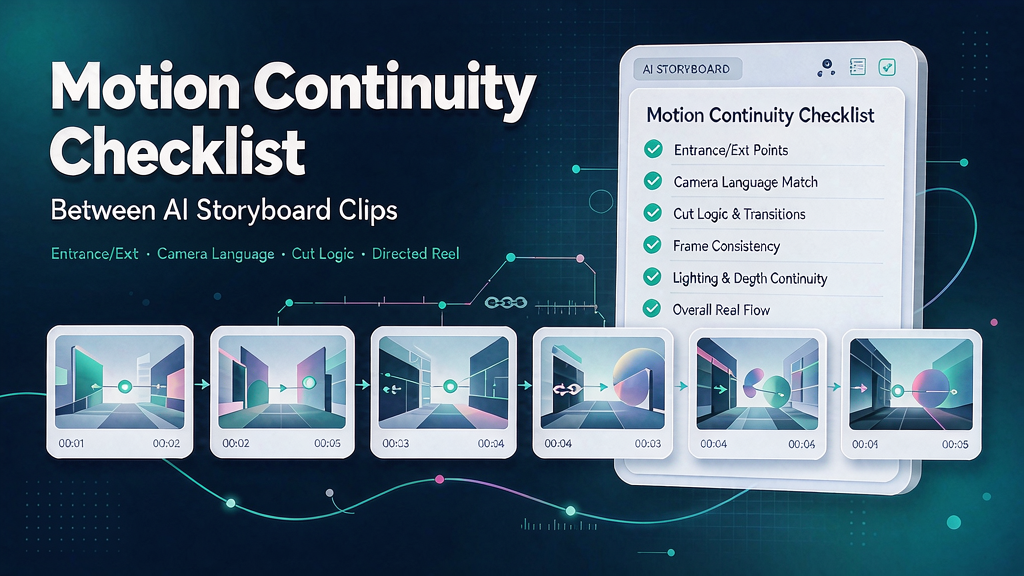
Motion Continuity Checklist Between AI Storyboard Clips To ensure motion continuity between AI storyboard clips, creators should focus on establishing a clear narrative flow, defining the job-to-be-done, and locking the audience assumption. This involves verifying that each clip contributes to the overall story, that the audience's prior knowledge is considered, and that the format spine is chosen before designing beats. By following a structured approach, marketing teams can produce explainer Reels that feel directed, not stitched.
What are the key considerations for motion continuity in AI storyboard clips? When working with AI-generated clips, it's essential to consider factors such as entrance/exit, camera language, and cut logic to create a cohesive narrative. This section will explore the critical elements that contribute to motion continuity, including the importance of clear teaching, honest claims, and brand-safe visuals.
How can a checklist improve the production process for explainer Reels? A checklist can help marketing teams and creators ensure that all necessary steps are taken to produce high-quality explainer Reels. By breaking down the production process into manageable tasks, teams can reduce expensive regenerations, create shared language across brief, storyboard, edit, and publish, and ultimately produce assets that meet the required standards.
What is the quick-start process for creating AI storyboard clips with motion continuity? To get started, follow these steps: 1. Write the promise line in one sentence, capturing the outcome promised by the Reel. 2. List the proof beats (2–5), which are concrete visuals or steps that prove the promise. 3. Time a VO or on-screen text read, cutting words until the runtime fits. 4. Attach brand kit and product-truth references to ensure consistency. 5. Only then open the generator or editor to begin creating the AI storyboard clips.
What are the essential items to include in the motion continuity checklist? The following checklist items are critical to ensuring motion continuity between AI storyboard clips: Define the job-to-be-done: Write one sentence explaining what the viewer should understand or do after watching the Reel. Lock the audience assumption: Note what the audience already knows vs. what needs to be taught. Choose the format spine: Select a primary format (Reel, Short, landing embed, or carousel-derived) before designing beats. Draft the promise line: Capture the outcome promised by the Reel in one line, without hype adjectives. Map proof beats: List 2–5 concrete visuals or steps that prove the promise. Write VO or on-screen text first: Time a read-aloud and cut words until the runtime fits. * Attach brand kit constraints: Ensure consistency by attaching brand kit and product-truth references.
Comparison of key considerations for motion continuity | Consideration | Description | Importance | | --- | --- | --- | | Entrance/exit | Clear transitions between clips | High | | Camera language | Consistent camera angles and movements | Medium | | Cut logic | Logical editing decisions | High | | Clear teaching | Easy-to-understand narrative | High | | Honest claims | Accurate representation of the product or service | High | | Brand-safe visuals | Consistent branding and visual identity | High |
Worked example: Creating a motion continuity checklist for an explainer Reel Let's say we're creating an explainer Reel for a new productivity app. Our promise line is: "Learn how to prioritize tasks and manage your time more effectively with our app." Our proof beats include: A screenshot of the app's dashboard A video of a user prioritizing tasks * A graph showing the increase in productivity We've chosen a Reel format and have attached our brand kit constraints. Our next step is to write the VO script and time the read-aloud.
Second worked example: Creating a motion continuity checklist for a tutorial Reel Let's say we're creating a tutorial Reel for a new photography technique. Our promise line is: "Master the art of low-light photography with our expert tips." Our proof beats include: A before-and-after comparison of a low-light photo A video of a photographer adjusting camera settings * A screenshot of a photo editing software We've chosen a Short format and have attached our brand kit constraints. Our next step is to write the VO script and time the read-aloud, ensuring that the tone is instructional and engaging.
Decision table for motion continuity The following decision table can help marketing teams and creators decide which format to use for their explainer Reels based on their goals and audience: | Goal | Audience | Format | | --- | --- | --- | | Awareness | New users | Reel | | Education | Existing users | Short | | Conversion | Potential customers | Landing embed | | Engagement | Existing customers | Carousel-derived |
Failure modes and fixes for motion continuity Even with a checklist, motion continuity issues can still arise. Here are some common failure modes and their fixes: Inconsistent camera language: Fix by establishing a consistent visual style and sticking to it throughout the Reel. Poor cut logic: Fix by reviewing the edit and making sure that each cut is logical and serves a purpose. Unclear teaching: Fix by simplifying the narrative and focusing on one key message. Inaccurate claims: Fix by verifying the accuracy of all claims and ensuring that they are supported by evidence. Inconsistent branding*: Fix by attaching brand kit constraints and ensuring that all visuals are on-brand.
Ship checklist for motion continuity in AI storyboard clips Before shipping, ensure that the following items are complete: 1. Job-to-be-done: Defined and verified 2. Audience assumption: Locked and verified 3. Format spine: Chosen and verified 4. Promise line: Drafted and verified 5. Proof beats: Mapped and verified 6. VO or on-screen text: Written and timed 7. Brand kit constraints: Attached and verified 8. Motion continuity: Verified between all clips By following this checklist, marketing teams and creators can ensure that their explainer Reels meet the required standards for motion continuity and effectively communicate their message to the audience.
Related reading on Scro
- What Is Motion Continuity in Multi-Clip AI Explainers?
- AI Video Storyboard Checklist: From Concept Brief to Approved Beats
- Face and Eye Realism Checklist for Brand Marketing AI Clips
- Agency Margins on AI Explainers: Where Storyboard Approval Protects Profit
Soft close — storyboard-first workflow
Prefer concept → storyboard → approve stills → render over prompt-and-pray generation. If you want that loop productized, try Scro. The operating rules above still apply with any stack that lets you lock beats before motion credits burn.